OVOA app · Beta
The OVOA iPhone app.
The same assistant you text, with everything a phone can add. Talk to it, let it use your contacts and Reminders, and pair OVOA Fit. Free while it’s in beta.
What the app adds
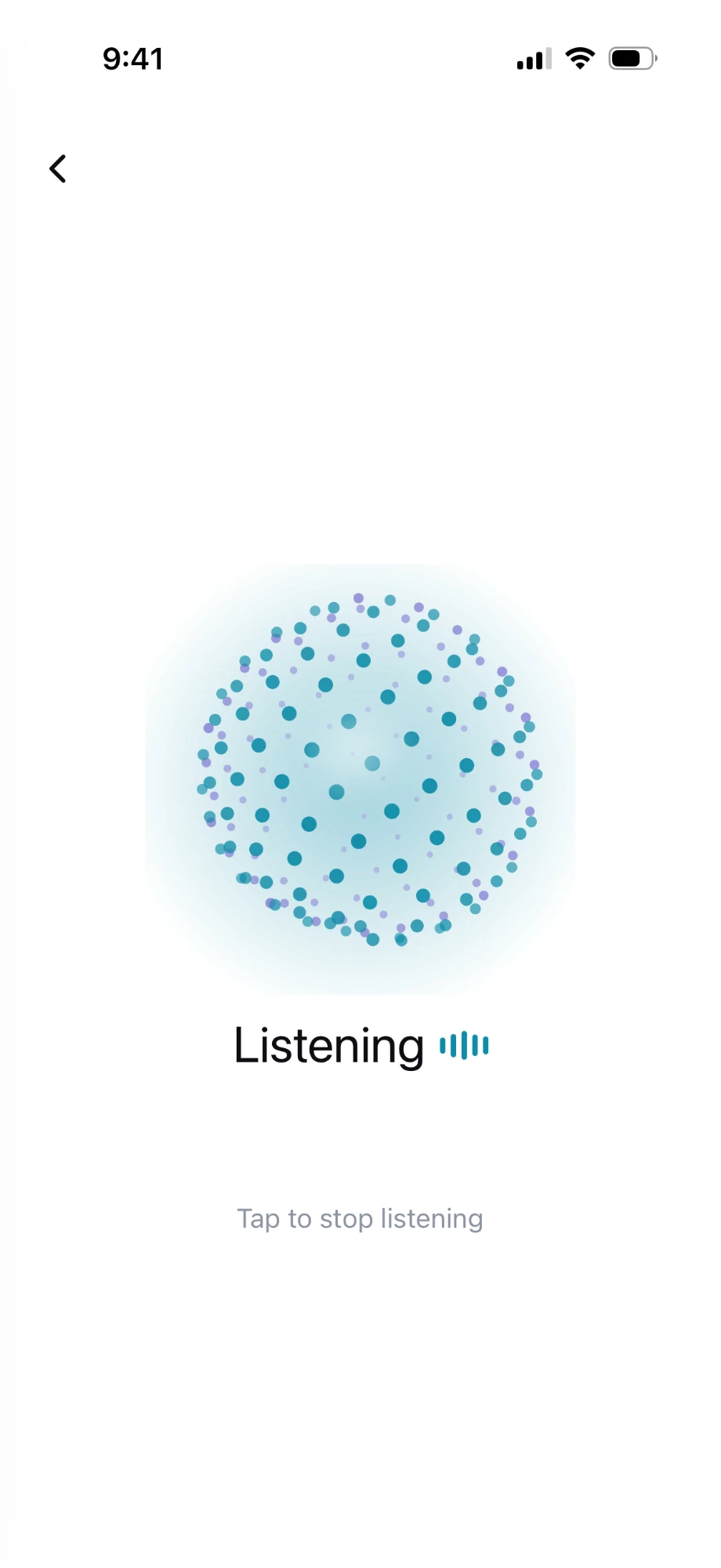
- Talk to itTap once and OVOA listens. Say it out loud instead of typing; it gets plain, messy, real-life requests, and you tap again to stop.
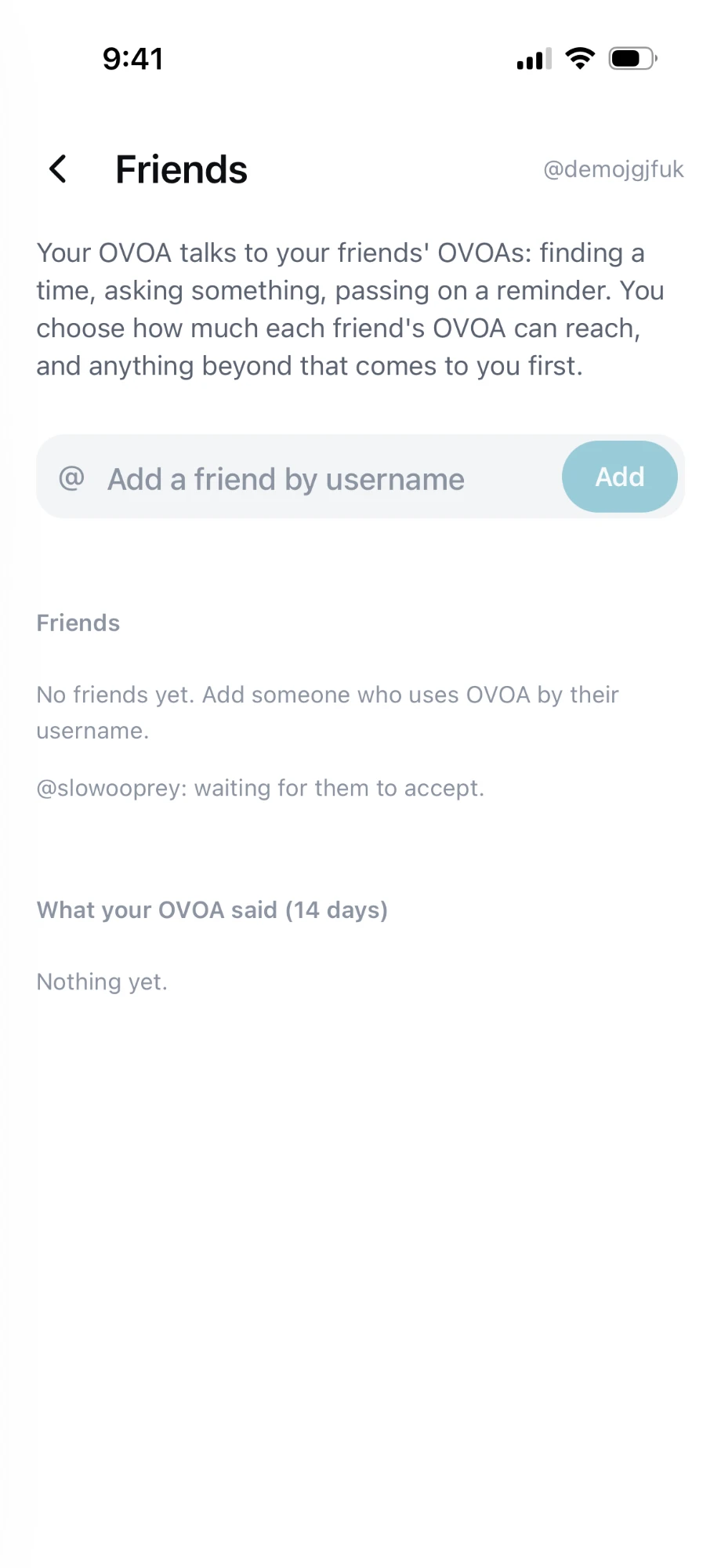
- FriendsAdd friends by @username and your OVOA talks to theirs: finding a time, asking something, passing on a reminder. You choose how much each friend's OVOA can reach, and anything beyond that comes to you first.
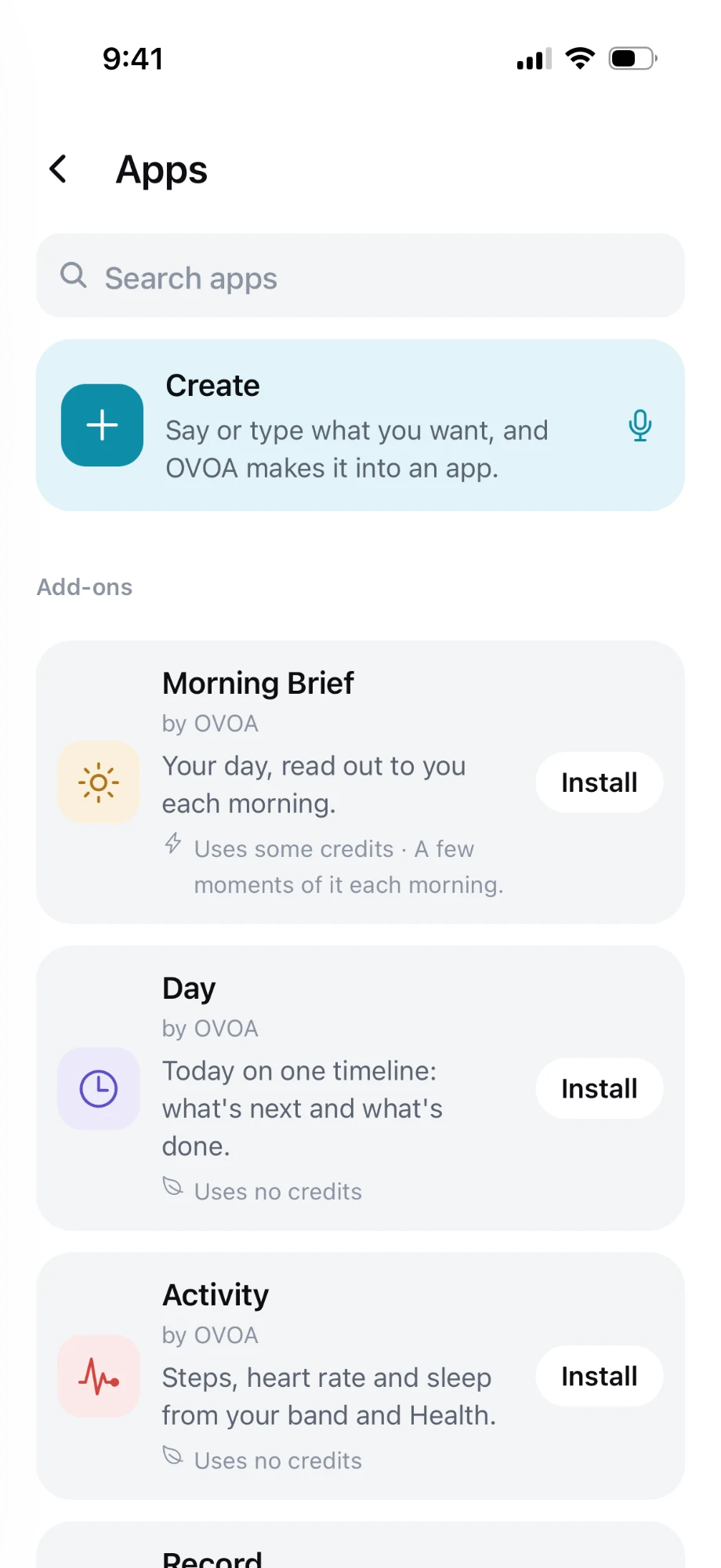
- AppsAdd-ons made by OVOA, like Morning Brief, Day and Activity, install in a tap. Each one says up front whether it uses credits.
- Create your own appSay or type what you want, and OVOA makes it into an app.
- Your phone, handledText or call someone for you, use your contacts, and add to the Reminders app.
- HealthApple Health and OVOA Fit heart rate and activity, with your history in one place.
- Everything in one placeYour tasks, notes saved word for word, and the standing rules that run in the background.
Add-ons
- Morning BriefYour day, read out to you each morning.Uses some credits: a few moments of it each morning.
- DayToday on one timeline: what's next and what's done.Uses no credits
- ActivitySteps, heart rate and sleep from your band and Health.Uses no credits
Get the app in three steps
On your iPhone. It’s free, and takes about a minute.
 Install TestFlightTestFlight is Apple’s app for trying apps before they reach the App Store.Get TestFlight
- Join the OVOA betaMake a free account and your beta invite comes by email from TestFlight. Open it, tap View in TestFlight, then Install.Make a free account
 Open OVOA and sign inUse your email. New to OVOA? The app makes your free account, or make it here first.
On a computer? Open ovoa.ai/app on your iPhone. Prefer not to install anything? Just text OVOA.
Questions
Do I need the app to use OVOA?
No. Texting OVOA works on its own, straight from Messages. The app adds talking out loud, things that run on your phone itself, and OVOA Fit.
Is the app free?
Yes, the app is free and in beta through Apple TestFlight. The assistant behind it is part of OVOA Base at $9.95/month; your first texts are free with no account.
How do I get the beta?
On your iPhone, install TestFlight, Apple's app for betas, from the App Store. Then open the OVOA beta link on ovoa.ai/app (or ovoa.ai/account), tap Accept and Install, and sign in to OVOA with your email.
Is it the same OVOA as the one I text?
Yes. Texts and the app share one memory, one to-do list, and the same reminders and routines. Start by text and finish in the app, or the other way around.
Try it in Messages.
Text OVOA like you’d text a friend. Your first 15 texts are free, with no app and no sign-up.